
Learning to Speak Visually
If you feel like you’re relying more on instinct than understanding when working with the visual design aspects of e-learning, this piece is for you.


It’s a while since I’ve heard a politician banging on about how important it is to teach ‘the 3Rs’. In fact, so long that some of you reading this may not be sure what this shorthand refers to. To remove any doubt, ‘the 3Rs’ are: Reading, (W)riting and (A)rithmetic.
In other words, three core skills that a decent education system ought to be able to teach universally. Sadly, even decent education systems fail to achieve a 100% success rate with these skills and a minority of people spend years (or a lifetime) marginalised because of it.
But for most of us, reading and writing is something we take for granted and use day-in, day-out. And there’s no question, if you are good at communicating using the written word, there is the potential to achieve high status (even fame) from your efforts.
Ideas are formulated. Books, papers and articles get written. Reputations are built on the back of them. Nothing wrong with any of that.
But consider this. We focus so much on the power and importance of the written word, it’s easy to forget that there’s another means of communication used daily that is arguably more persuasive, more influential and used just as frequently as the written word.
It’s a language that everyone understands. Yet very few of us can use it to express ourselves fluently. And even fewer understand its underlying principles.
In case you are wondering, I’m talking about visual communication and storytelling. The language that we intrinsically understand every time, we go to the cinema, turn on the TV, open a comic book or look at a glossy magazine (to name but a few examples).
So, what, you may be asking, has any of this got to do with L&D? Well, rather a lot as it turns out.
If you have ever included some graphics or visuals in your learning materials; or created a set of PowerPoint slides for a training event; or created a scenario for an e-learning course, you have used the language of visual communication
And perhaps, as you completed those tasks, you had a slightly uneasy feeling about how well you were ‘speaking’ that visual language. A feeling that you are winging it? That you are not entirely sure that you know what you are doing visually? A feeling that what you are doing should probably look better than it does.
If you have, you are certainly not alone. Because, the reality is this. Our education system is all about getting us comfortable with and competent at text-based communication. And very poor at paying any attention to the skill of visual communication.
Even though we quickly become consumers of visual communications and we can make a pretty good assessment of whether visual communication is good or bad, most of us never really learn to ‘speak’ visually.
Which begs the obvious question. Why? Are we just not very good at this visual stuff and only an elite few are blessed with the talent and skills required? I think there are probably plenty of you reading this who might subscribe to that view.
There’s an element of truth buried in that thinking; but I’m pretty sure the reality is a bit more nuanced. So, let’s bring it back to those recognisable L&D tasks mentioned above to unpack this a bit more.
First, communicating visually requires some effort. Because most of us are not confident about expressing ourselves using this language, we would need to learn how.
Let’s say you are successful and you become more fluent. You start to use your new ability to describe what you want and how you want it to look. You start to confidently describe the graphics or visuals that you want to include in your learning materials, your PowerPoint slides or your e-learning.
All excellent steps forward. Except there’s another hurdle looming on the horizon. Can you actually bring those ideas fully to life?
In some cases, it might be possible to use stock images and clip art. But if not, you will need someone like a graphic designer or an artist to assist you. And it’s quite likely your L&D department doesn’t have access to such a person.
And in times gone by, that has been the ‘show-stopper’. Even with the ability to imagine and describe great ideas, the sticking point has been execution.
This lack of resource has been most frustrating in an e-learning context. And if ever there were a medium crying out for some visual design love, it has to be e-learning.
But in the last year or two, that resource problem has faded. Suddenly, we find ourselves in a world where creating visuals doesn’t require a graphic designer or an artist – all thanks to AI technology.
Now granted, if you are a skilled graphic designer or an artist, you may not be so thrilled or excited about this development; but, if you work in a small, under-resourced L&D team or you are a solo L&D person in your business, this new technology has the potential to be a massively beneficial to you and your learners.
But only if you make the most of it. It’s quite possible that you have experimented with AI to produce visuals and come away disappointed. Perhaps you have written prompts that seem clear and logical but you just don’t get you the result that you want.
This brings me back to my earlier point about becoming fluent in visual language and storytelling.
If you are only able to use layman’s language to describe what you want, the output you get will most likely disappoint.
Because when AI is creating a visual, it’s been trained to frame and compose like a director or photographer looking through the lens of a camera. It will do its very best to interpret everyday language and terminology but the more precise and professional you can be with the instructions you provide in your prompt, the better the result.
Starting to think and speak like a director or photographer when inputting your prompt will pay significant dividends in terms of the output you get.
If you are wondering, ‘How do I do that?’, well, don’t laugh but asking AI for advice on this is actually a simple but effective starting point.
But even more effective, is taking a little bit of time to familiarise yourself with some key terminology. There are lots of great books out there that are very easy to dip into and that will quickly introduce you to the ‘vocabulary’ and ‘grammar’ of visual communication. (See below for a couple of suggestions).
For all the mystique that surrounds photography, design and film-making, it’s surprisingly easy to pick up some practical terminology and use it to your advantage.
Over the Christmas break, I spent some time reading a couple of great books about all of this. I’d dipped into both previously to get help with my prompting but the holidays gave me the time to explore what they had to say more thoroughly.
The first is called, Making Comics by Scott McCloud. This is written as a comic book which makes it extremely easy to dip into and skim through; and it is full of great visual design and storytelling principles with easy-to-understand examples of how to apply those principles.
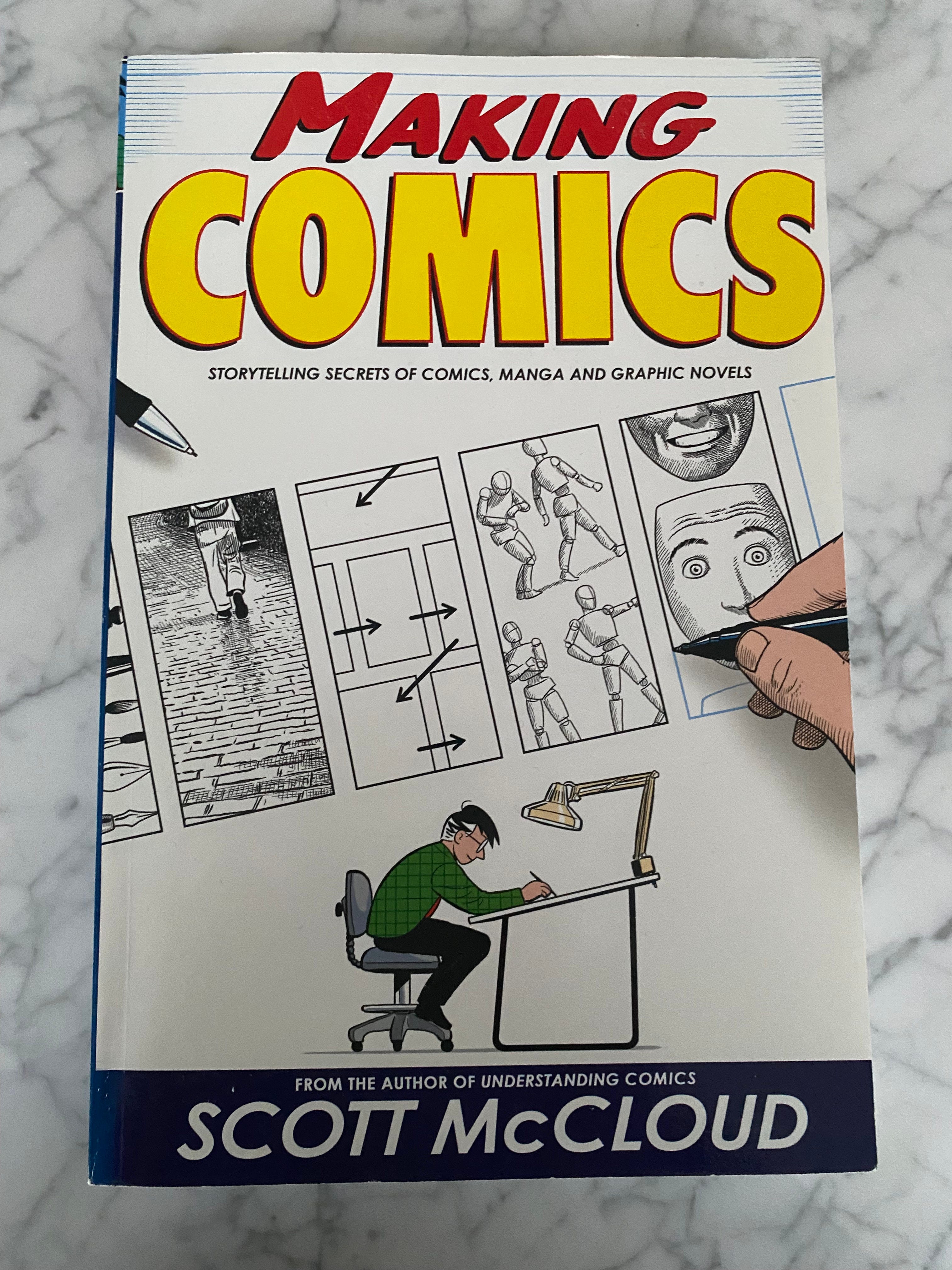
In case you are concerned about the comic book aspect, don’t be. Although the book was written for people interested in producing comic books, the principles and the ideas are just as applicable to e-learning. The ideas and principles covered are perfect for when you are creating a series of still visuals with characters and speech or thought bubbles to tell a story or communicate a simple situation or scenario.
Your visuals do not have to be produced in a comic book style for the techniques to work. They easily transfer across to a photo-realistic or an illustrated style.
The second book is The 5C’s of Cinematography by Joseph V. Mascelli. The book was absolutely written for people who are interested in making films but, once again, don’t let this put you off. Not everything in the book is going to be 100% relevant for e-learning and AI prompting but lots of it is.
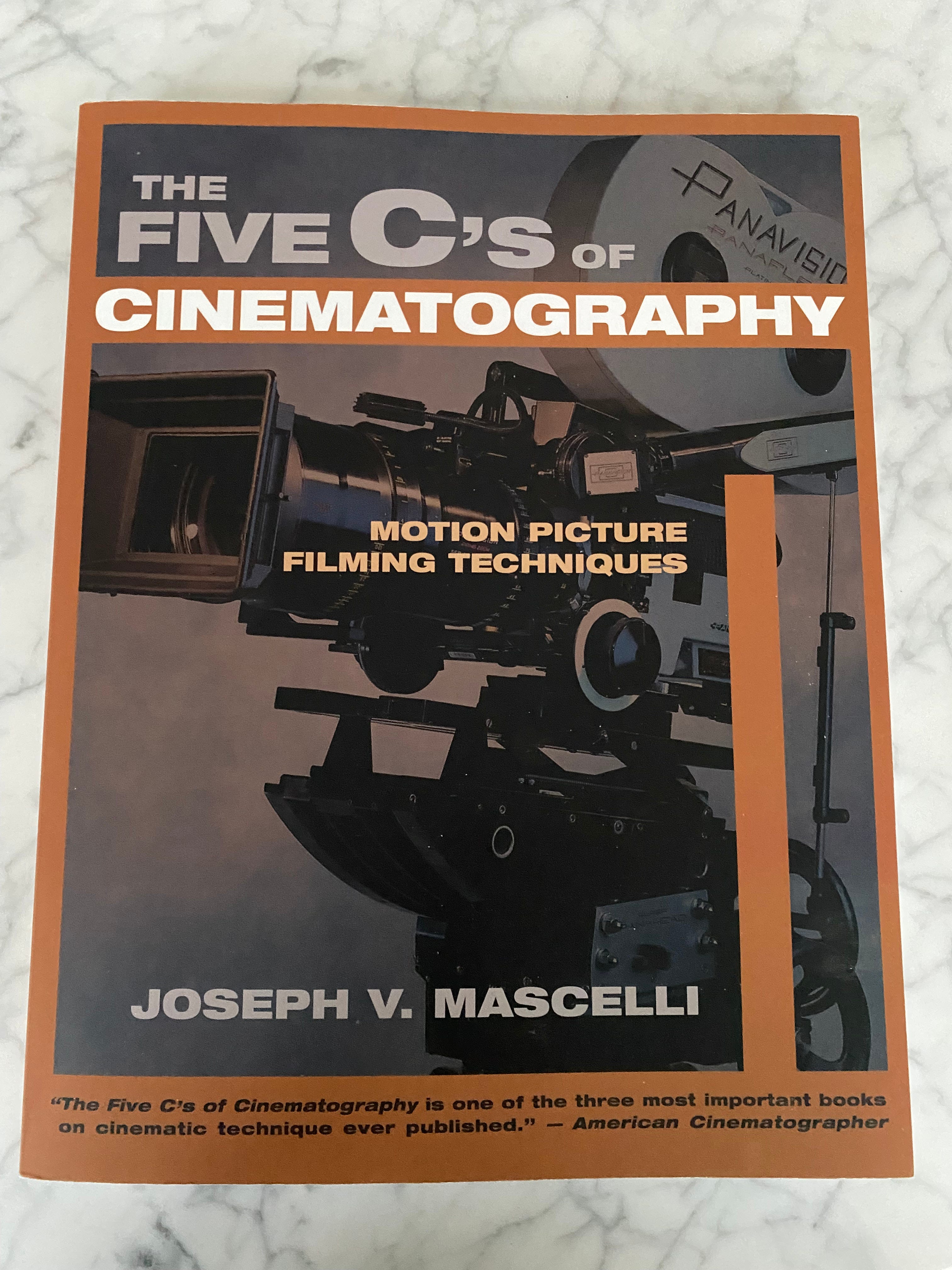
The 5 C’s are: Camera Angle, Continuity, Cutting, Close Ups and Composition. Mascelli goes into considerable detail when explaining all the various aspects of each area. Some parts which are very specific to motion picture filming can be easily skipped over. Other parts, for example, explaining all the different types of camera angles and positions you can use are pure AI prompting gold.
Each chapter is full of examples from documentaries and theatrical movies. The book was written in 1965, so the examples look a little dated but the techniques they illustrate remain as valid 60 years later.
I’m not a great one for New Year resolutions; but if you are, and if you feel like your e-learning design in particular could benefit from a bit of a makeover, consider increased fluency in visual communication your L&D resolution for 2026.
Until next time,
Andrew.